AI Edit Studio
Reshape your photo, not your life.
Change outfits, swap backgrounds, restyle your hair — or merge your team into one natural group photo. Works on any photo you upload.
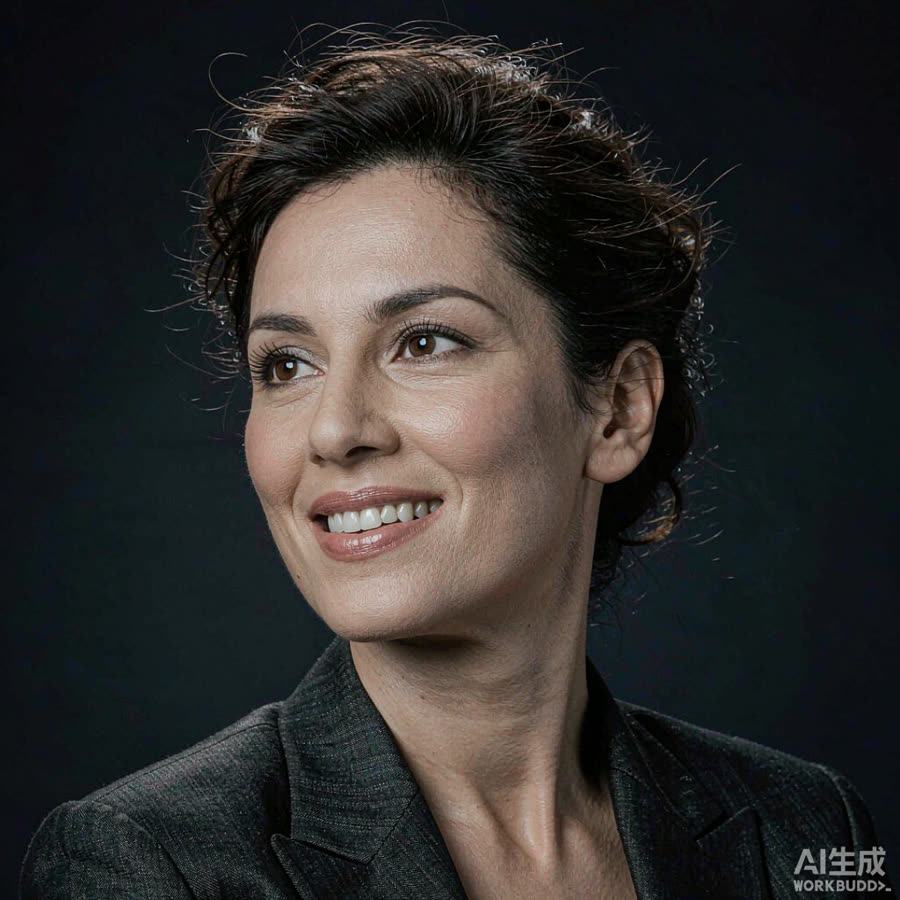
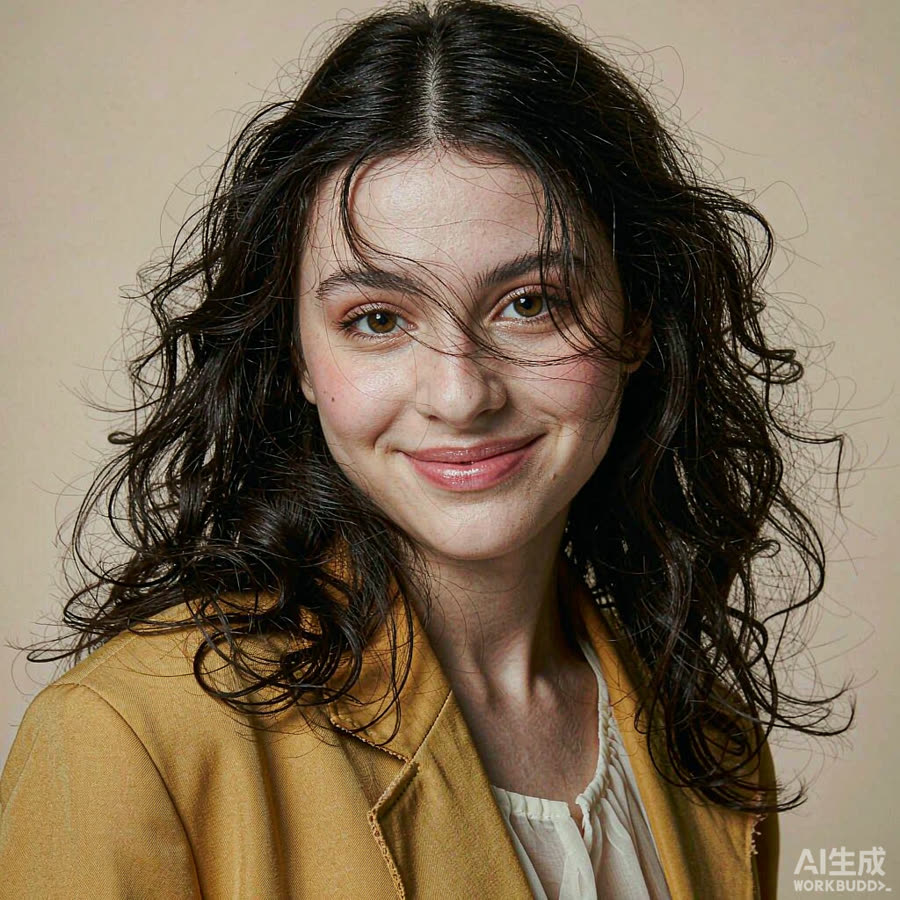
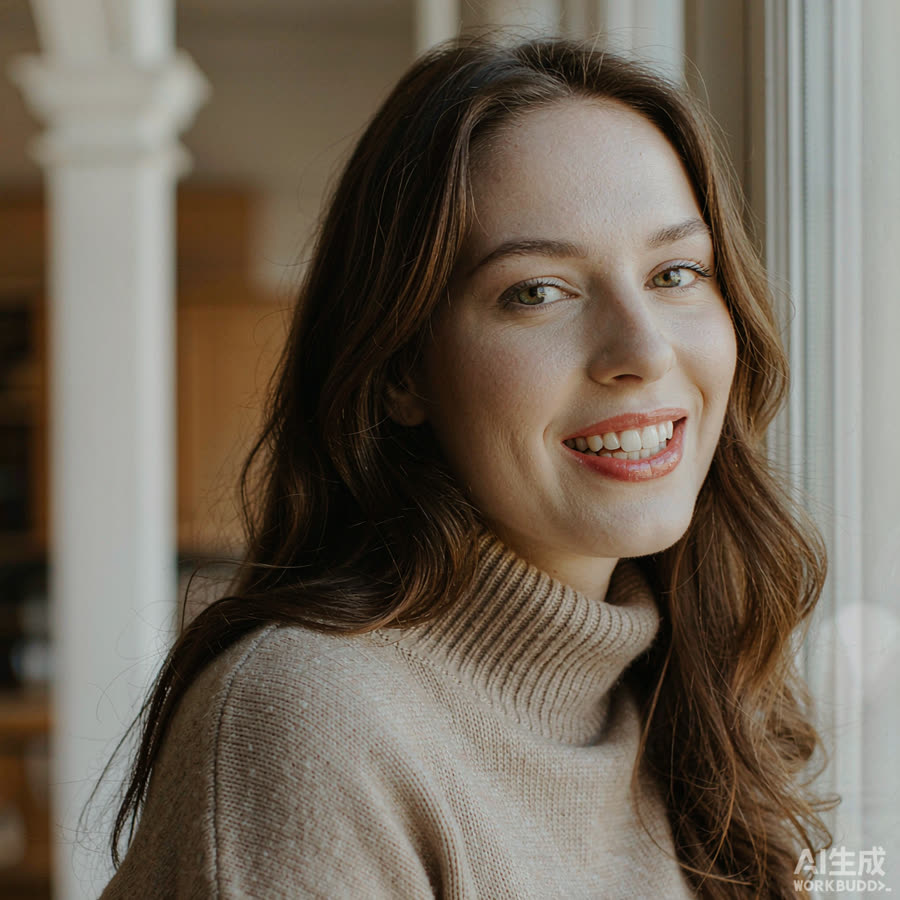
Change outfits, swap backgrounds, restyle your hair — or merge your team into one natural group photo. Works on any photo you upload.
Editing: – credits/day · Team photo: – credits/day. Included with any paid plan.
The Edit Studio works on photos you already have — a headshot Portraze generated for you, or any ordinary picture from your phone. Instead of re-shooting yourself, you choose the change you want and the model rebuilds that part of the image while keeping the face recognisable. Four edit types are available and they can be stacked one after another: change the outfit, replace the background, restyle the hair, or merge several people into a single team photo.
Swap a t-shirt for a blazer, a blazer for a knit sweater, or move from strict formal to something more relaxed. Fabric, collar and shoulders are redrawn with lighting that matches the original shot, so the garment sits on your body instead of looking pasted on top of it. This is the quickest way to get a matching set of portraits for a company page where everyone should wear the same style.
Replace a cluttered room with a neutral studio backdrop, a soft gradient or an office interior. Edges around hair and shoulders use alpha matting, which is exactly where simple background removers leave a visible halo. Keeping one background across a whole team makes the portraits look like they came from a single session.
Tidy flyaway hair, move a parting, add length or try a shorter cut. Hair edits are deliberately conservative: they change styling, not identity, and you can generate an alternative whenever a result drifts too far from how you actually wear it.
Upload two to four photos of different people, one person per photo, then pick a scene. The studio places everyone into a single frame with consistent scale, lighting direction and colour temperature, so the group does not look assembled from four different rooms. It is a practical route to an about-page photo for a small team that has never been in the same city at the same time.
Editing and team photos are included with any paid plan as a daily credit allowance, shown next to the upload box at the top of this tool. Credits reset every day and unused edits do not roll over. Most people run three or four variations before settling on one final image, so budget a few credits per keeper. You can compare the plans in the pricing section, browse finished examples on the AI portraits page, or look at the other single-purpose utilities in the photo tools collection.
A photo uploaded for an edit is used to produce that edit and is deleted from our servers within 24 hours. It is not added to any training set and is not shared with third parties. For the full wording of how the pipeline handles your files, see the privacy policy.
Yes. Upload any JPG, PNG or WebP file. Results are usually better when the subject is clearly lit and the background is not busy, but there is no requirement that the picture came from one of our sessions.
No. Facial structure, skin tone and age are preserved. The changes are limited to clothing, background, hair styling and group composition, so the person in the result is still clearly you.
Most single edits finish in under a minute. A four-person composite takes longer, because each subject is processed separately and then blended into the scene.
Yes. Images you generate are yours to use on LinkedIn, in job applications, on company websites and in printed material. The FAQ lists the permitted uses in full, and the about page explains how the studio positions authenticity.